What if I lose my phone or my data disappears?
Your plan is saved on your device, so keep a copy somewhere else. On the Backup and restore page, tap Email me this backup to send a full copy to your inbox, or Download backup to save a file. On a new phone, sign in with the same email and key, choose that backup file, and everything is back. Make it a habit after every big planning session.
My partner and I both want to use it. Does it sync?
You can both sign in with the same email and key on up to 10 devices. Changes don't sync automatically. Pick one main device for planning, and use Send update and Receive update to pass the latest changes to the other.
Why not just use Google Sheets or a notebook?
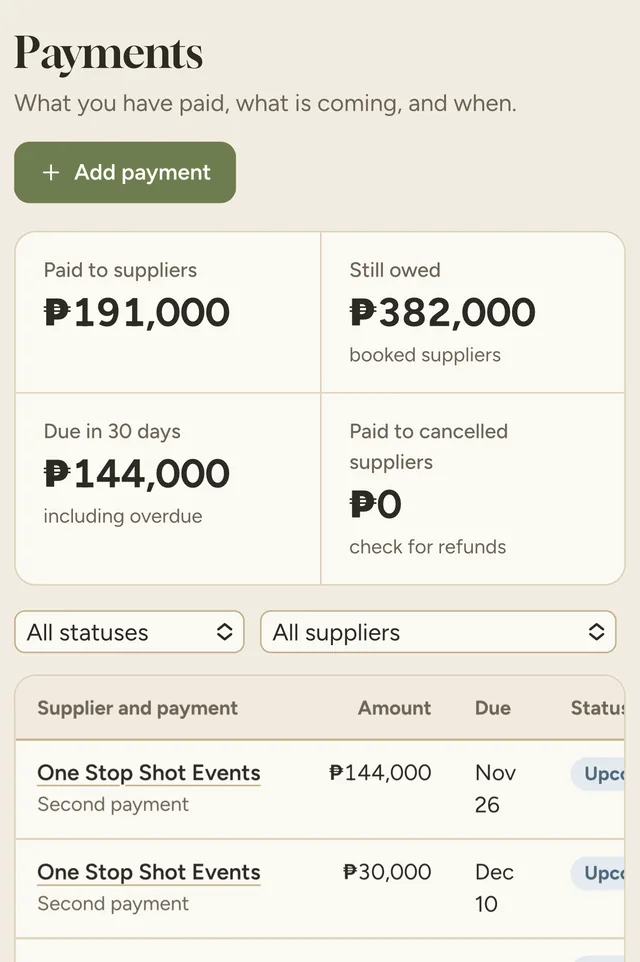
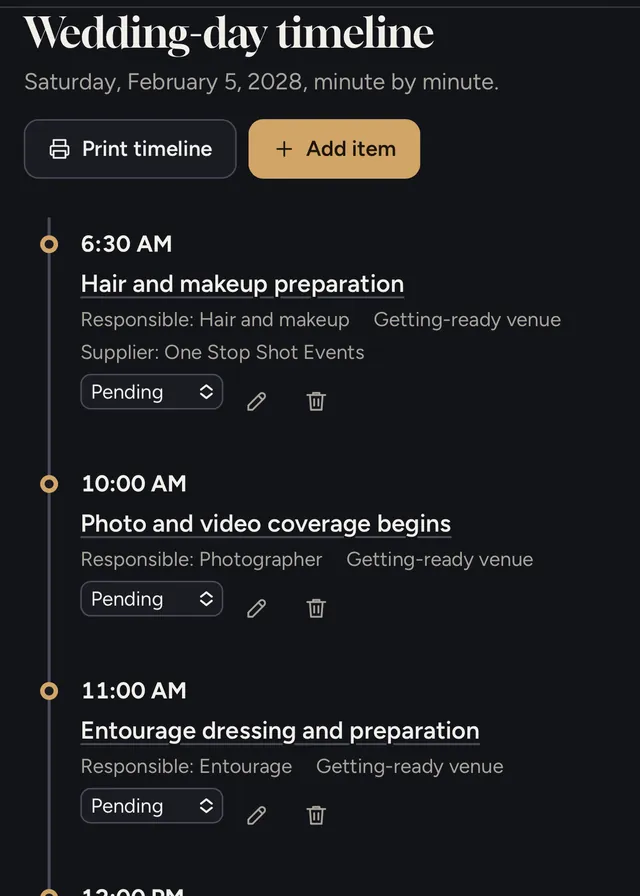
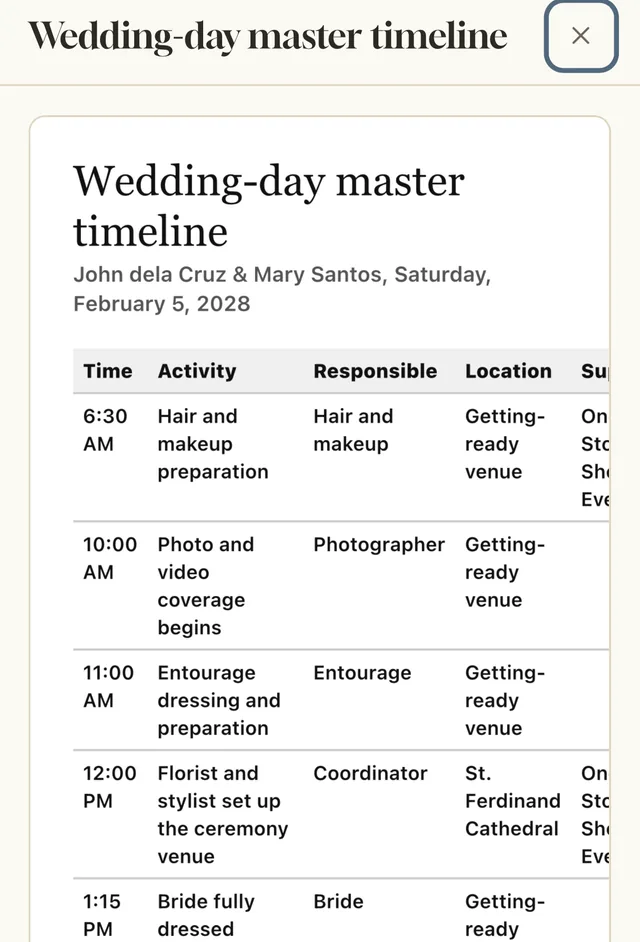
You can, but you'd be building the system yourself and guessing what's missing. The planner already has the structure: payment due dates, church and civil requirements, headcount, seating and a wedding-day timeline, plus checklists from a team that runs real events.
I'm not techy. Will setting it up take forever?
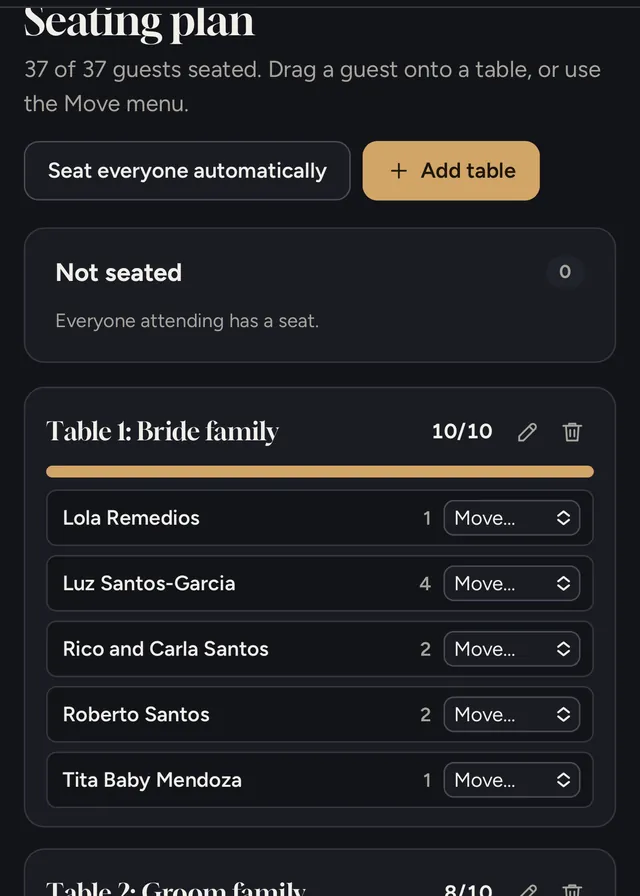
No. Start from the sample wedding to see how everything works. Shortcuts like Paste several for guests, Seat everyone automatically and Load Catholic church template do the heavy lifting, and the built-in user guide walks you through each page.
Is this legit? How do I know you'll deliver?
The planner is made by One Stop Shot Events, an events team in Lucena City. You can reach us at 0933 385 8770 or onestopshotevents@gmail.com. Try the full demo before paying, and if it isn't right for you, our 30-day money-back guarantee covers you.
Is this a one-time payment?
Yes. One payment covers one wedding until your wedding day, with free updates. There are no monthly fees. The ₱699 launch price ends December 31, 2026. After that, the Couple License is ₱1,499.
We already have a wedding coordinator. Do we still need this?
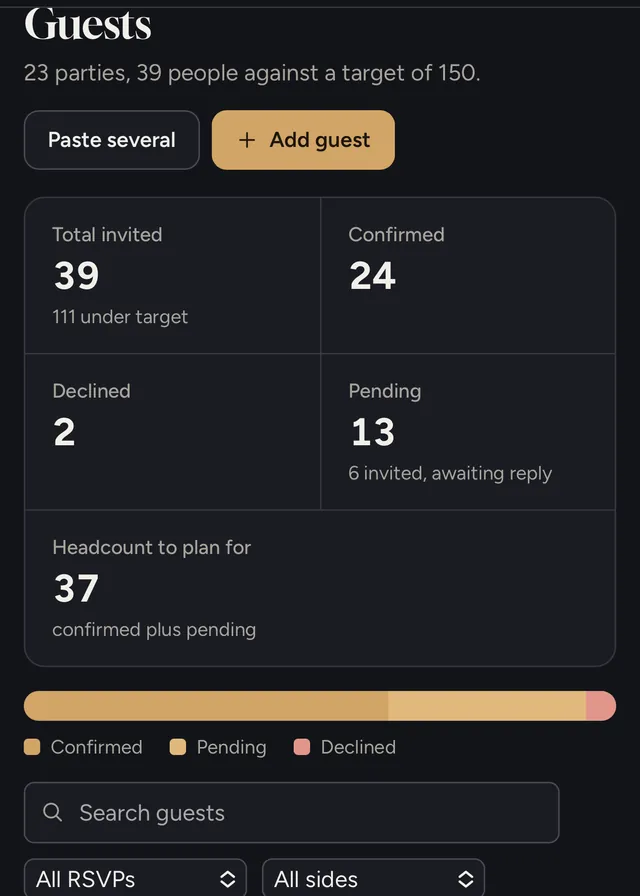
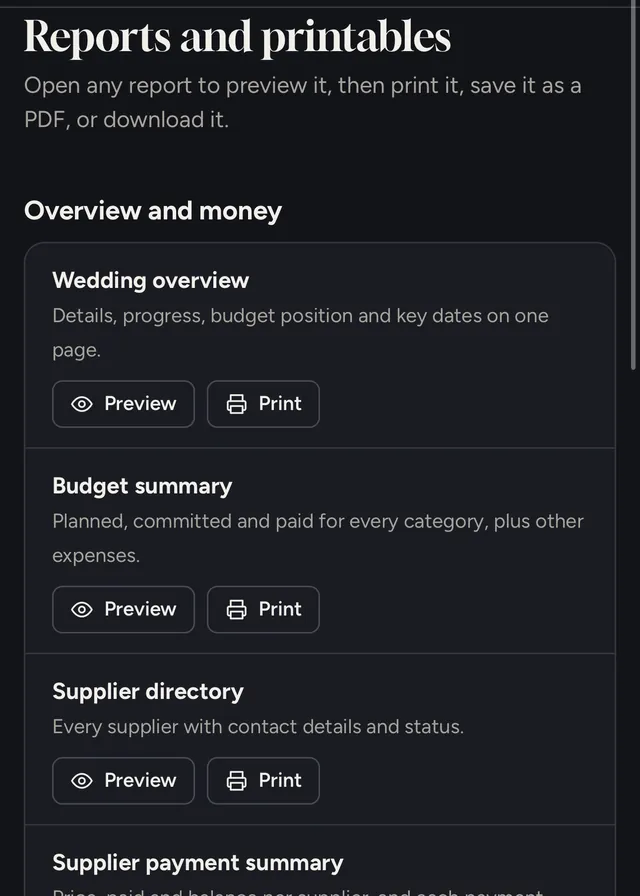
Your coordinator runs the day. The planner keeps your side organized: what you've paid, what's due, which documents are done, and who's confirmed. You can print or save reports as PDF and share them with your coordinator.
Do I need an internet connection?
You need internet to open the planner. Once it is open, you can keep working even if you lose your signal.
Is it suitable for weddings in the Philippines?
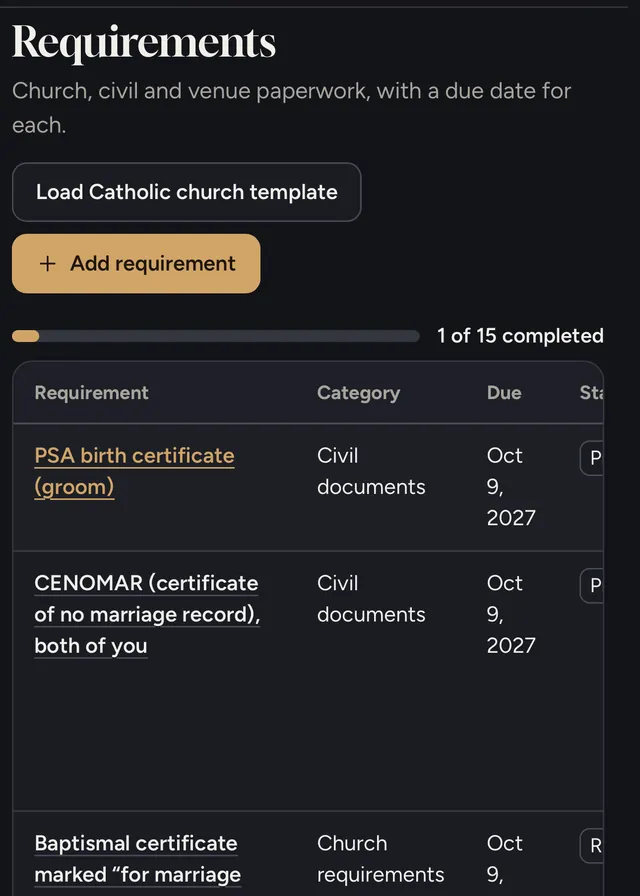
Yes. It includes PSA documents, CENOMAR, church requirements, principal sponsors in the entourage, and peso budgets. Always confirm the latest and exact requirements with your parish and Local Civil Registrar.
I am a wedding planner or coordinator. Which license should I choose?
Choose the Wedding Planner / Coordinator License for client work. The Couple License is for one wedding.
What if the planner is not right for me?
Contact us within 30 days of your purchase and we'll refund you in full. No explanation needed. Read the refund policy